
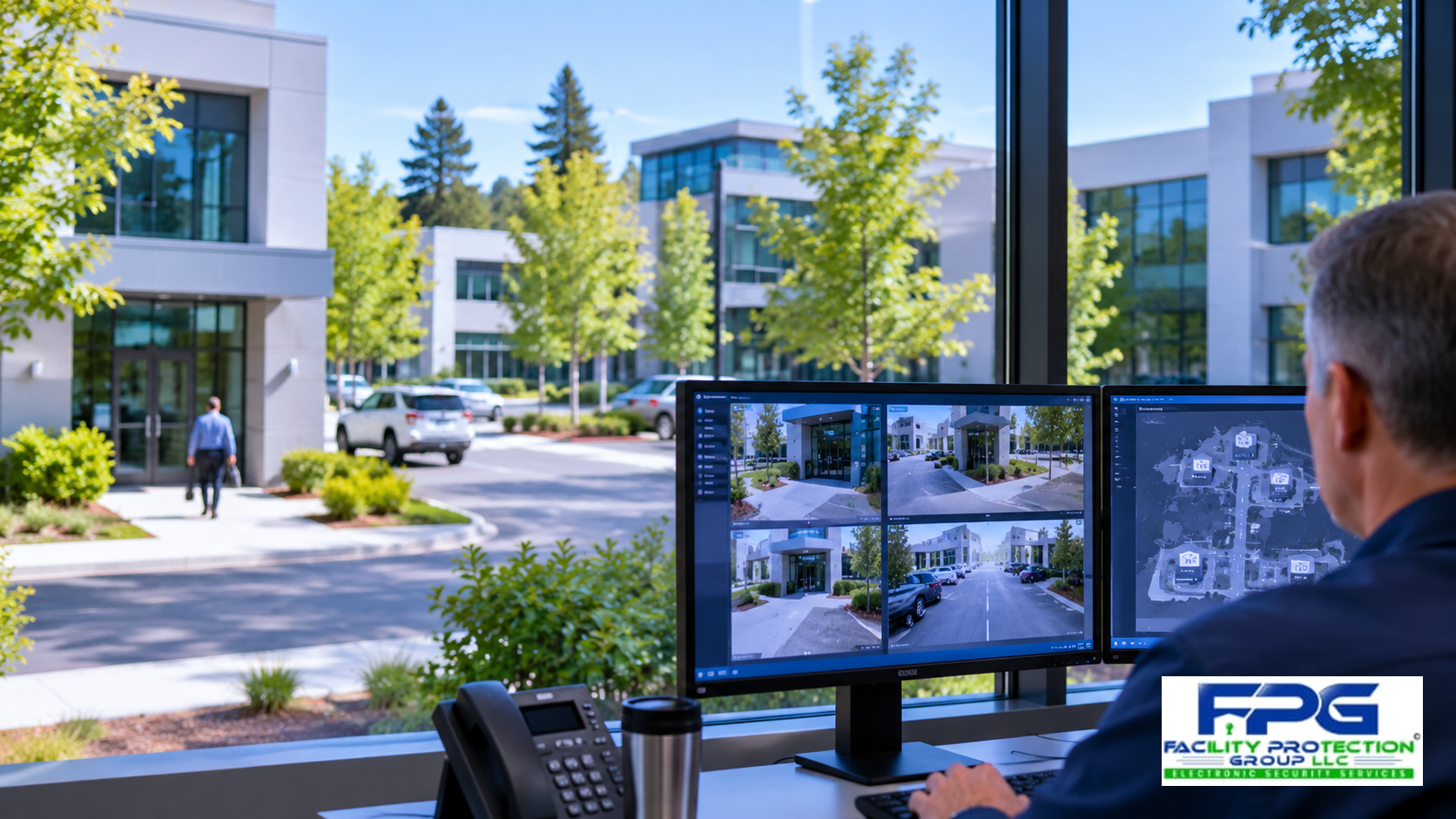
Multi-building security systems can help organizations protect several facilities without forcing managers to administer separate access control, surveillance, and alarm platforms at every location. As businesses expand into additional buildings or develop larger campuses, the challenge often shifts from securing individual entrances to maintaining consistent security policies across an entire property.
Consider a company operating three office buildings, a warehouse, and a shared parking facility. Each building may have its own access schedules, cameras, restricted areas, and security responsibilities. If those systems operate independently, an administrator may need to visit multiple applications or physical locations to update employee permissions, investigate incidents, or review activity.
The problem becomes more complicated when employees move between buildings, contractors need temporary access, or management wants consistent reporting. Without coordinated administration, routine changes can consume considerable time and create opportunities for inconsistent security practices.
Facility Protection Group helps commercial organizations evaluate access control, video surveillance, and integrated security technologies that support practical, manageable security operations.
Table of Contents
- Why Does Security Become Harder Across Multiple Buildings?
- How Can Multi-Building Security Systems Simplify Management?
- How Should Employee and Contractor Access Be Managed?
- Can Video Surveillance Be Managed Across an Entire Campus?
- What Network and Reliability Issues Should Be Considered?
- How Can Organizations Plan for Future Expansion?
- What Should Be Reviewed Before Upgrading?
- Building a More Manageable Campus Security Program
Why Does Security Become Harder Across Multiple Buildings?
Security responsibilities often expand gradually. A business may begin with one office and later add an adjacent warehouse, another administrative building, or a second location. Each expansion introduces new doors, users, cameras, operating schedules, and security concerns.
If every building receives an independent security system, administrators may eventually face multiple credential databases, separate software accounts, inconsistent access schedules, and different procedures for investigating incidents. These differences may not seem significant when a property is small, but they can become expensive and difficult to manage as operations grow.
For example, an employee transferred from one building to another may need permissions updated in several systems. A departing contractor may retain access at a location that was overlooked. A security manager investigating an incident may have to retrieve footage from multiple recording platforms with different retention settings.
Why Consistency Matters
Consistent security policies help organizations define who should access each building, which areas require additional restrictions, and how exceptions should be handled. The goal is not to give every location identical permissions. It is to establish a coordinated administrative structure that allows each building to operate according to its actual needs.
A manufacturing building may require stricter access to production areas than an administrative office. A warehouse may operate overnight while other facilities close in the evening. Centralized administration should support these differences without creating separate, disconnected management processes.
How Can Multi-Building Security Systems Simplify Management?
Properly designed multi-building security systems can allow authorized personnel to manage selected security functions from a common platform or coordinated set of applications. Depending on the products involved, administrators may be able to manage credentials, assign permissions, review events, and monitor multiple facilities without maintaining completely separate systems.
Centralized management can reduce repetitive administrative tasks and improve consistency. For example, an organization may establish employee groups with access to designated buildings while maintaining different schedules for visitors, maintenance personnel, and outside contractors.
However, centralization should not mean every employee receives unrestricted access to every building. A successful design preserves appropriate separation between departments, tenants, restricted areas, and management responsibilities.
The system should also support local operational needs. A remote building may require its own procedures during a network interruption, while a larger campus may benefit from designated security personnel who can respond directly to incidents. Technology should make those responsibilities clearer rather than obscure them.
How Should Employee and Contractor Access Be Managed?
Access management is one of the most important considerations for organizations operating several buildings. Employees may work primarily at one location but occasionally need access to another. Contractors may require entry to specific equipment rooms, loading areas, or service entrances for limited periods.
Without a coordinated process, administrators can lose track of which credentials remain active and where those credentials are accepted. A centrally administered access control system can help organizations assign permissions according to job responsibilities, authorized locations, and approved schedules.
For example, an employee working in Building A may receive access to its main entrance and designated office areas, while a maintenance supervisor may require authorized access to mechanical rooms in several buildings. Temporary contractors can receive permissions appropriate to their assignments rather than unrestricted access across the campus.
Managing Personnel Changes Across Locations
When an employee leaves the organization or changes responsibilities, access permissions should be reviewed promptly. Centralized administration can simplify these changes when the underlying system supports consistent credential management.
Organizations should establish procedures for issuing credentials, approving access changes, reviewing temporary permissions, and removing access when it is no longer required. Those procedures remain important even when the technology makes administrative changes easier.
Can Video Surveillance Be Managed Across an Entire Campus?
Video surveillance becomes more complicated as the number of buildings increases. Cameras may monitor entrances, parking lots, shared walkways, loading docks, and sensitive interior areas. Security personnel need to know which cameras cover each location and how to retrieve recordings when an incident occurs.
Centralized video management can make it easier for authorized users to view selected cameras and investigate activity across multiple facilities. Depending on the platform, operators may be able to organize cameras by building, monitor priority areas, and locate recordings without switching between several unrelated applications.
Multi-building security systems may also support coordinated access control and surveillance workflows. For example, an access event at a restricted entrance may help an operator identify the relevant camera footage. Such capabilities depend on product compatibility, configuration, and the organization’s requirements.
Camera coverage still needs to be evaluated at each location. Centralized viewing does not correct poorly positioned cameras, inadequate lighting, or insufficient recording capacity. A campus security plan should address both the management platform and the physical effectiveness of the equipment.
What Network and Reliability Issues Should Be Considered?
Multiple buildings may be connected through fiber, copper cabling, wireless bridges, or separate network services. The appropriate arrangement depends on distance, existing infrastructure, bandwidth requirements, reliability expectations, and the security architecture.
Video surveillance can place substantial demands on network capacity, particularly when numerous cameras transmit high-resolution streams. Access control systems may have different communications requirements and, depending on the controller design, may continue performing certain local functions when communication with a central server is interrupted.
These differences should be evaluated during system design. Organizations should understand which functions depend on network connectivity, what happens during an outage, and how administrators will regain normal operations afterward.
Cybersecurity and Administrative Access
Connecting security systems across multiple buildings introduces additional cybersecurity considerations. User authentication, secure communications, software maintenance, network segmentation, and administrative privileges should be coordinated with the customer’s IT personnel.
The NIST Cybersecurity Framework provides a useful reference for evaluating technology-related risks. Security system design should also account for how authorized personnel access management software and how sensitive event information is protected.
Facility Protection Group can help organizations identify practical integration requirements and coordinate security technology planning with existing building and network infrastructure.
How Can Organizations Plan for Future Expansion?
Security planning should consider not only the buildings currently in operation but also how the organization expects to grow. A company with three facilities may anticipate another warehouse, a new administrative wing, or additional tenants within an existing property.
Multi-building security systems should be evaluated for their ability to accommodate additional doors, users, cameras, and locations within the manufacturer’s supported architecture. Capacity limits, licensing requirements, controller capabilities, network infrastructure, and administrative responsibilities can all affect future expansion.
Scalability does not necessarily mean purchasing the largest available system. It means selecting an architecture that can support foreseeable needs without requiring unnecessary replacement of functioning equipment.
Standardization Without Unnecessary Replacement
Organizations often have security equipment from different manufacturers because buildings were acquired or upgraded at different times. Some products may support integration with a central platform, while others may require separate management or eventual replacement.
A practical assessment should distinguish equipment that can remain useful from components that create significant operational limitations. Replacing every system immediately may not be financially justified, particularly when targeted improvements can address the most pressing management problems.
Phased implementation can also reduce disruption. An organization might first centralize access administration at its busiest buildings, improve camera management at shared parking areas, and later extend compatible capabilities to additional locations.
What Should Be Reviewed Before Upgrading?
Before investing in new equipment, facility managers should document how their existing systems are used. This includes identifying the number of buildings, controlled doors, credential holders, cameras, recording locations, alarm interfaces, and personnel responsible for administration.
The assessment should also identify recurring problems. Are employees carrying different credentials for different buildings? Do administrators have difficulty removing access promptly? Does retrieving video require multiple logins? Are separate facilities using inconsistent security procedures?
These questions connect technology decisions to measurable operational needs. They also help distinguish a genuine integration requirement from a problem that could be addressed through better procedures, training, or adjustments to existing equipment.
For additional background on commercial security planning, organizations can review Facility Protection Group’s security guides and related security articles. The Cybersecurity and Infrastructure Security Agency also provides resources addressing organizational security and resilience.
Building a More Manageable Campus Security Program
Managing several buildings does not have to mean maintaining several unrelated security programs. A coordinated approach can help organizations establish consistent policies, simplify appropriate administrative tasks, and improve visibility across their properties.
The most effective solution depends on how each facility operates. A corporate office campus may prioritize employee movement between buildings, while an industrial property may focus on contractor access, restricted areas, and after-hours activity. A multi-tenant property may require additional separation between tenant permissions and building management functions.
Well-planned multi-building security systems should support these differences while giving authorized personnel the tools and information needed to manage security responsibly. They should also account for reliability, cybersecurity, life-safety requirements, and future growth.
Facility Protection Group works with commercial organizations to evaluate access control, video surveillance, and integrated security needs. If managing security across multiple buildings has become time-consuming or inconsistent, a professional assessment can help identify improvements that simplify administration without compromising appropriate protection.